
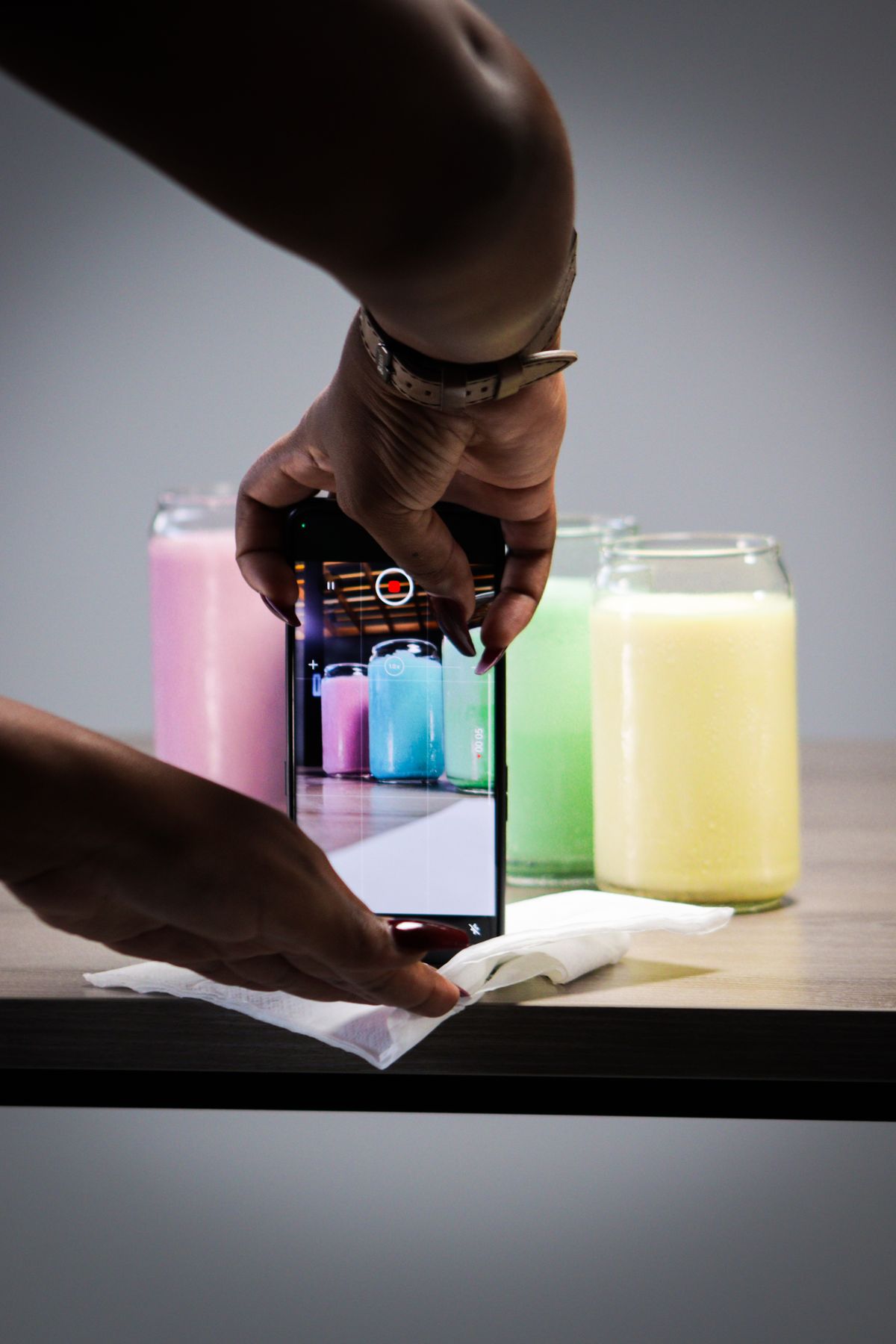
You've probably heard that you should be on YouTube Shorts. Maybe a competitor's product video got surprisingly far there, or someone in a Facebook group for store owners said it's the "easy" short-form platform. So you open the app, stare at the upload screen, and realize you have no idea what a Shorts video for a candle shop or a skincare line is supposed to look like. Is it the same clip you posted on Instagram? Does it need to be different? Is it even worth the hassle?
Most small store owners put YouTube at the bottom of the list. It feels like a platform for people who make tutorials and vlogs, not for someone who sells ceramic mugs and already spends too many evenings answering customer emails. That hesitation makes sense, but it's based on a misunderstanding of what YouTube Shorts for ecommerce actually asks of you.
The Misconception: Shorts Is a Separate Channel You Have to Build From Scratch
The idea that trips people up is that YouTube means starting a "channel" with a content strategy, a posting personality, and a recording setup. Shorts doesn't work like that. A Short is just a vertical video, up to a few minutes long, that can be a simple product demo with no talking at all. A channel can have nothing but Shorts on it and that's perfectly normal.
The second misconception is that the video has to be made for YouTube. In practice, the vertical product clip you already made for Instagram Reels or TikTok is exactly the right shape. Same 9:16 frame, same short length, same kind of content. If you've followed our thinking on repurposing one product video across five platforms, YouTube Shorts is one more place that same file can go, not a new project.
Why It's Worth a Spot in Your Routine
There are a few practical reasons small stores should pay attention to it, none of which require a big following.
- Videos stay findable. A TikTok or Reel tends to have a short window of attention. YouTube content sits inside a search engine, so a clear title like "handmade soy candle, 40 hour burn" can still be found by someone searching months later.
- Your audience is already there. People in the US, UK, and Canada watch YouTube for product research before buying, especially for things they want to see in motion: how a bag opens, how a fabric drapes, how big a planter really is.
- It rewards consistency over polish. A clean, well-lit 15 second clip of your product beats an over-produced one you only manage to make once a month.
- You can link out. Your channel description and video descriptions can point to your store, which matters when the goal is traffic and not just views.
What to Actually Post (With Real Examples)
The easiest way to stall is to ask "what should I make?" every single week. A short list of repeatable formats solves that. Say you sell loose-leaf tea out of a small Shopify store:
- The single-product clip. 10 to 20 seconds. The tin opening, leaves pouring into a cup, steam, a text line saying "Earl Grey with cornflower, 50g, $12". No voiceover needed.
- The "what's in the box" clip. A parcel being opened, with products shown one at a time. Useful for gift sets and bundles.
- The quick comparison. Two items side by side, such as a 50g tin versus a 100g pouch, with a plain on-screen note about what's different.
- The seasonal or restock note. A short clip showing a product that's back in stock or relevant right now, like a gift set before the holidays.
Notice that none of these require you to be on camera. That's a big deal if you're not comfortable with it, and it's the same point we made in our guide to creating product videos for TikTok and Instagram Reels: the product does the talking.
Titles, Descriptions, and the Small Details People Skip
This is where YouTube differs most from Instagram. Because it works partly like a search engine, a few words matter more than they do elsewhere.
- Put the product name and one real detail in the title. "Hand-poured soy candle, lavender and cedar, 40 hour burn" beats "New drop!!".
- Use the first line of the description for your store link. Most people never expand the description, but the first line shows up, so make it count.
- Keep hashtags minimal. Three to five relevant ones at most. More than that looks spammy and doesn't help anything.
- Add the Shorts-friendly basics. Vertical 9:16 frame, captions burned into the video so it works with the sound off, and a clear first second so people don't swipe away.
If your product photos are heavy and slow to handle when you're building a clip, shrinking them first helps. Our free image compressor is a quick way to do that without losing visible quality.
How Often Is Often Enough?
Honest answer: there's no magic number, but a steady rhythm beats bursts. Three to five Shorts a week is a realistic target for a small store, and it lines up with what we covered in why posting often beats posting once with perfect content. The trap is deciding YouTube needs its own separate production day. If you batch your product clips once and send them to several platforms, the extra effort for YouTube is close to zero.
A simple routine looks like this: pick the five products you most want to move this week, make one vertical clip for each, write a clear title for every one, and schedule them across the week. If you're not sure how to map that out, our content calendar guide walks through it.
Where the Time Actually Goes (And How to Get It Back)
The creative part of Shorts isn't what drains people. It's the logistics: exporting the right size, writing a fresh title, logging into yet another platform, uploading, picking a time, and doing it again tomorrow. For a store owner already juggling inventory and customer service, that's the bit that quietly kills the habit by week three.
That's the part VidyBack takes off your plate. It pulls from your product catalog (Shopify, Jumpseller, Wix, Etsy, or Ecwid), generates the product videos and images, and schedules them to Instagram, TikTok, Facebook, YouTube, and Pinterest from one place. So the clip you'd have made for Reels can also end up on YouTube without a separate upload session. The free plan lets you try it on 3 products with free templates at 480p, and the Pro plan at $14.99 a month adds auto-posting, scheduling, and up to 1080p for 5 products. There's also a 7-day free trial if you'd rather see how it fits first.
YouTube Shorts doesn't need to be a big project. Start with one clean product clip, give it a clear title, and see how it feels to have your store show up in a place people actually search.
Post Your Product Videos to YouTube Without the Extra Work
VidyBack turns your product catalog into videos and schedules them across Instagram, TikTok, Facebook, YouTube and Pinterest, so Shorts doesn't become another weekly chore.
Try VidyBack FreeWritten by VidyBack Team
Sharing what actually works for ecommerce social media automation.